How to Delete TikTok Story (Step-by-Step Guide 2026)
July 5, 2026 · 5 min read
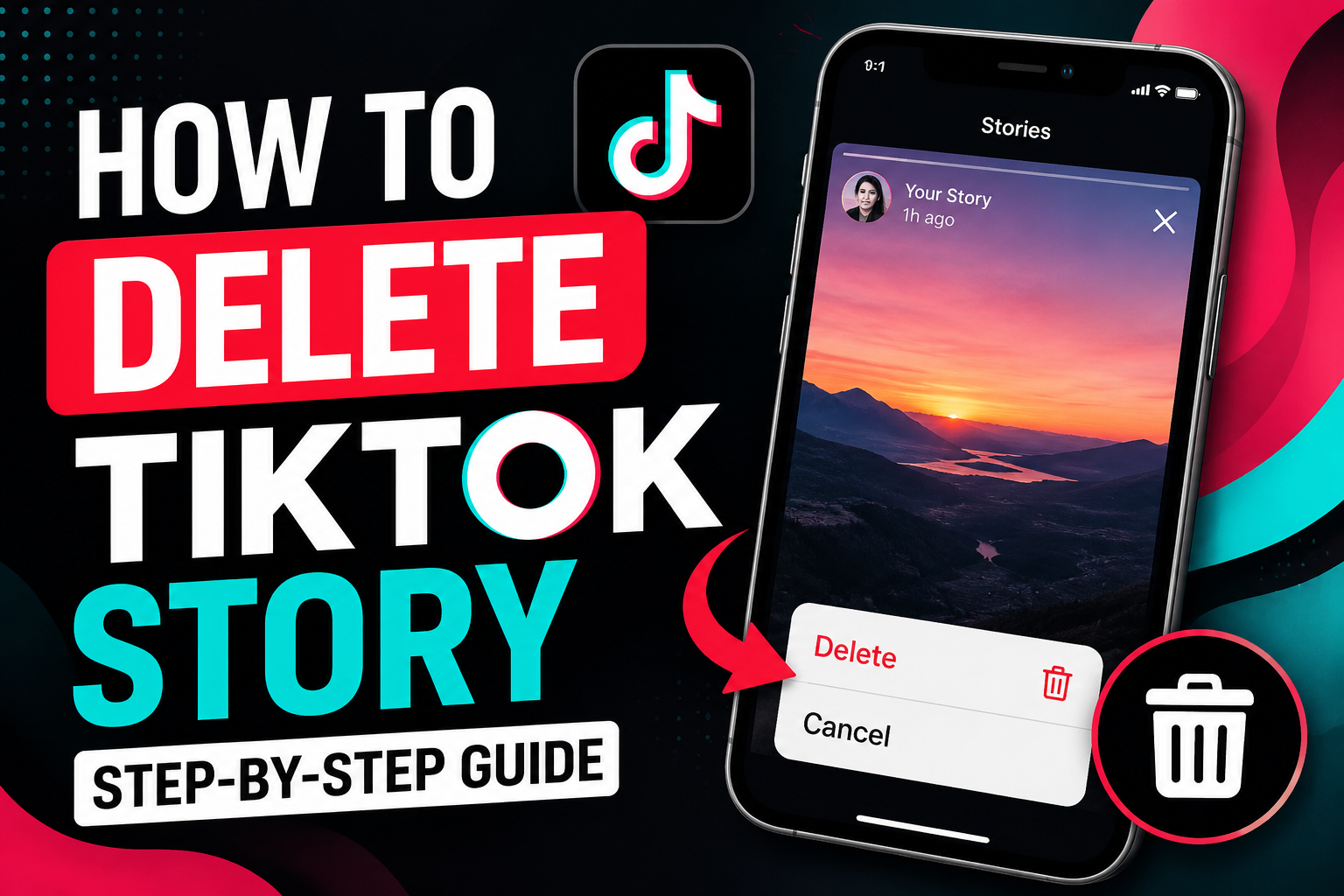
Learn how to delete a TikTok story before 24 hours on iPhone and Android. Remove stories, drafts, and expired posts easily — step-by-step with screenshots.
Posted a TikTok story by accident and now you're frantically searching for the delete button? You're not alone. TikTok stories disappear after 24 hours, but sometimes you want them gone immediately — maybe it's a bad angle, a typo, or you simply changed your mind. Here's the complete step-by-step guide on how to delete a TikTok story in 2026, whether you're on iPhone or Android.
What is a TikTok story?
TikTok stories are short clips, photos, or text posts that stay visible on your profile for 24 hours before vanishing automatically. They appear at the top of your profile (and your followers' feeds) as a circle with a colored ring. Unlike regular TikTok videos, stories are temporary — but that doesn't mean you have to wait a full day to remove one.
How to delete a TikTok story on iPhone and Android
The steps are identical on both platforms. Follow along:
- Open the TikTok app and tap your Profile icon at the bottom right.
- Look for your story at the top of your profile — it's the circle with your profile picture and a blue or pink ring around it.
- Tap and hold the story circle until a menu pops up.
- Tap Delete (the trash bin icon).
- Confirm by tapping Delete again in the popup.
That's it. The story is gone instantly — no waiting, no 24-hour timer needed.
Alternative method: delete from the story viewer
- Tap your story circle to open it in full-screen viewer mode.
- Tap the three dots (⋯) in the bottom right corner.
- Select Delete from the menu.
- Confirm the deletion.
This method is useful if you already have the story open and don't want to back out to your profile.
Can you delete a TikTok story before 24 hours?
Yes, absolutely. Despite what some users think, you do not have to wait 24 hours for a story to expire. You can delete it the same second you posted it. I've done it myself — posted a story with the wrong sound, deleted it within 10 seconds, and reposted the correct version. Nobody saw the mistake.
Does TikTok notify someone when you delete a story?
No. TikTok does not send a notification to your followers or viewers when you delete a story. If someone was watching it in real time, they might have seen it, but once deleted, the story simply disappears from their feed with no alert. It's like it never existed.
How to delete multiple TikTok stories at once
Unfortunately, TikTok does not have a bulk delete option for stories right now. You have to delete each story individually using the steps above. If you have several stories you want gone, just tap and hold each one, hit delete, and confirm. It takes about 5 seconds per story.
What's the difference between deleting a story and deleting a video?
A regular TikTok video stays on your profile forever unless you manually delete it. A story auto-deletes after 24 hours. If you delete a story, it vanishes instantly with no trace. If you delete a regular video, it also disappears from your profile, but any comments, shares, or duets made from it are unaffected — whereas a story leaves no footprint at all once gone.
Story delete button not showing? Here's how to fix it
- Update your app: Older TikTok versions sometimes hide the delete option. Go to the App Store or Google Play and update TikTok.
- Log out and back in: A simple refresh of your session can bring back missing options.
- Check your account type: If you're using a secondary or business account with restricted permissions, switch to your main personal account.
- Clear cache: On Android, go to Settings → Apps → TikTok → Storage → Clear Cache. On iPhone, offload and reinstall the app.
Can you recover a deleted TikTok story?
No. Once you delete a TikTok story, it's permanently gone. TikTok does not keep a backup of deleted stories in your drafts, Recently Deleted folder, or cloud storage. If the story was important, make sure you save it to your camera roll before deleting.
Should you just let it expire instead of deleting?
If the story isn't embarrassing or sensitive, letting it expire naturally is fine. But if it contains personal info, a location you don't want public, or a mistake that could hurt your brand, delete it immediately. Better safe than sorry.
Frequently asked questions
Can someone screenshot my TikTok story before I delete it?
Yes. TikTok does not notify you if someone screenshots your story (unlike Snapchat). Once it's posted, assume anyone can save it. That's why you should delete quickly if you regret posting.
How long do TikTok stories last?
Exactly 24 hours from the moment you post. After that, they disappear automatically from your profile and followers' feeds.
Can I see who viewed my TikTok story before deleting it?
Yes. Open your story in viewer mode and swipe up — you'll see a list of everyone who watched it. This list is available until the story expires or is deleted.
Does deleting a story affect my TikTok algorithm?
No. Deleting a story has zero impact on your reach, follower count, or how the For You Page ranks your regular videos. Stories are treated separately from your main content.
Try our free TikTok downloader
Paste any TikTok link and get an HD MP4 — no watermark, no signup.
Download a TikTok video now