How to Go Live on TikTok in 2026 (Requirements + Step-by-Step)
July 2, 2026 · 5 min read
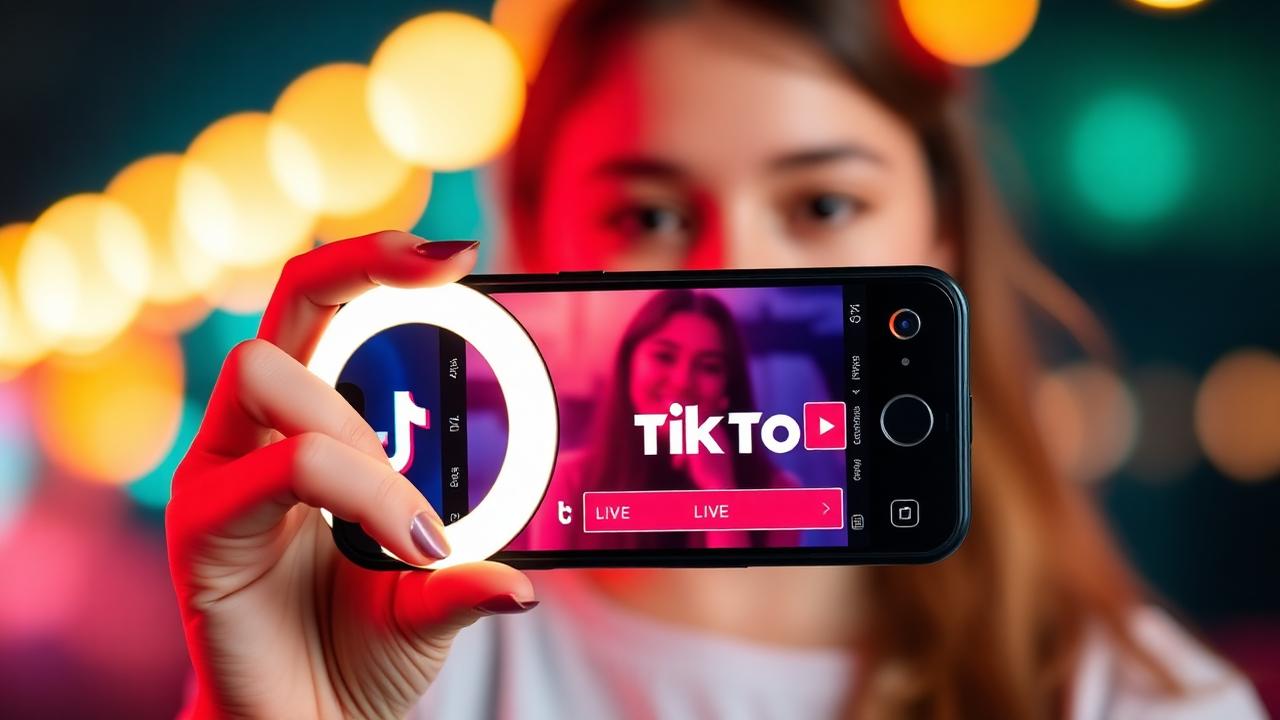
Learn how to go live on TikTok in 2026 — follower requirements, age limits, step-by-step guide for iPhone & Android, and pro tips to get more viewers on TikTok LIVE.
TikTok LIVE is one of the fastest ways to grow followers, get real-time engagement, and even earn money through virtual gifts. But before you tap that button, TikTok has a few requirements you need to meet. Here's the complete 2026 guide on how to go live on TikTok from your iPhone or Android — and how to actually get viewers.
TikTok LIVE requirements in 2026
- Age: You must be at least 18 years old (16 in some regions, but 18 to receive gifts).
- Followers: You need at least 1,000 followers to unlock the LIVE feature.
- Account: Your account must be in good standing — no active community-guideline strikes.
- Region: LIVE must be available in your country (blocked in India, Nepal, and a few others).
Don't have 1K followers yet? Read our guide on how to get 1K followers on TikTok fast.
How to go live on TikTok — step by step
- Open the TikTok app and tap the + (plus) button at the bottom center.
- Swipe the bottom mode selector all the way to the right until you see LIVE.
- Add a catchy LIVE title (this is what shows up on the For You page — make it clickable).
- Choose a bright cover image that shows your face or a hook.
- Optionally add topics, goals, or moderators.
- Tap Go LIVE — a 3-second countdown starts and you're broadcasting.
How to go live on TikTok without 1K followers
Officially, you can't. But there are legitimate workarounds: request access from TikTok's LIVE support team if you're a verified creator, use LIVE Together (join another creator's live as a guest), or grow to 1K first using trending sounds and posting 3× per day.
Pro tips to get more viewers on your TikTok LIVE
- Go live at peak hours — 7 PM to 11 PM in your audience's timezone.
- Post a short video 5–10 minutes before going live to warm up the algorithm.
- Use a ring light — bright, well-lit streams get pushed harder on the FYP.
- Set a LIVE Goal (like "1000 gifts to unlock a dance") — it doubles watch time.
- Talk to comments by name — TikTok's algorithm rewards active chat.
- Stream for at least 30 minutes — shorter streams don't get pushed.
How to make money on TikTok LIVE
Viewers can send you virtual gifts (roses, TikTok Universe, etc.) which convert to Diamonds. You can cash out Diamonds via PayPal once you hit the minimum threshold (usually $100). To learn how gifts are bought, read how to buy TikTok coins cheap.
Can I save my TikTok LIVE after it ends?
Yes — TikTok lets you save replays to your profile, and viewers can share the replay link. If you want to download the replay in HD MP4, follow our TikTok Live download guide or paste the link straight into TikSnapTok.
FAQs
Why can't I go live on TikTok even though I have 1K followers?
Check three things: your age (must be 18+), your account standing (no active strikes), and your region. Also try logging out and back in — the LIVE button sometimes takes 24–48 hours to appear after hitting 1K.
How long can a TikTok LIVE last?
TikTok LIVE streams can run for up to 60 minutes continuously, but most creators split into multiple sessions for better retention.
Does going live help you get more followers?
Yes — TikTok pushes active LIVE streams to the FYP and the LIVE tab. Consistent daily lives can add hundreds of followers per week.
Try our free TikTok downloader
Paste any TikTok link and get an HD MP4 — no watermark, no signup.
Download a TikTok video now